First access to OMniLeads
To access the OMniLeads system you must enter to:
Note
Web access to OMniLeads must be through the hostname.domain.
Here we have two possibilities
- 1 - Let the DNS of the network do it: the URL with which administrative users and agents access the App must be resolved by the DNS.
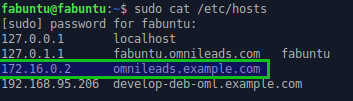
- 2 - Force resolution using the host file of your OS: it is about configuring each of the workstations that will access the App an entry in the hosts file in order to resolve the OMniLeads URL with its respective IP of host. In the case of Windows (C:WindowsSystem32driversetc), On Linux or Mac (/etc/hosts).
Example for Mac or Linux:
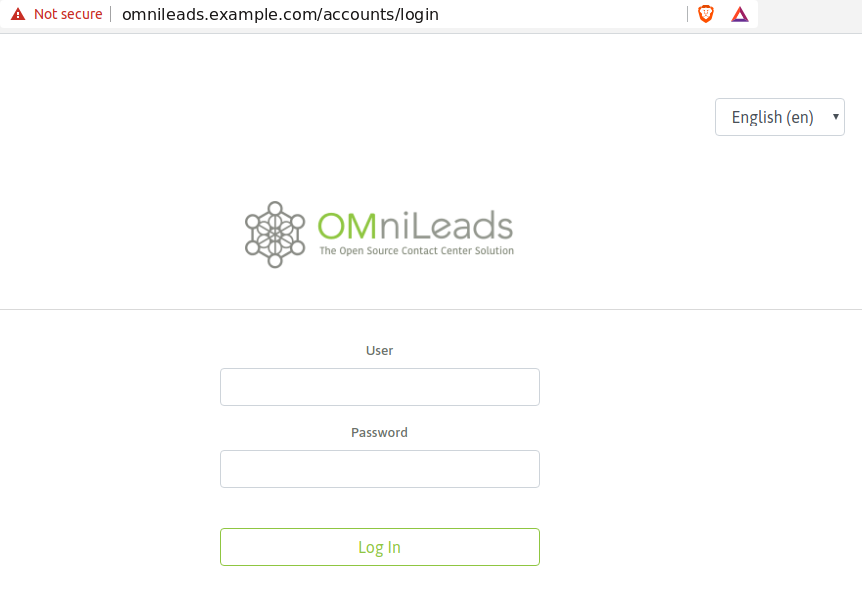
When finding the login screen, we just enter the admin user and the password generated during the installation (my_inventory), as shown on figure 2.
Note
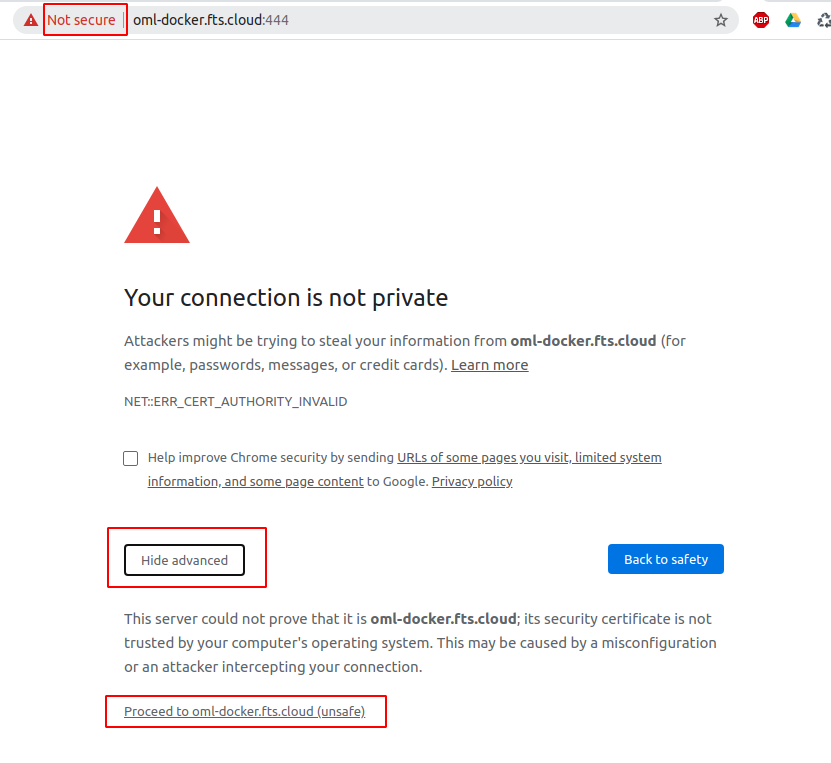
If the deployment does not have trusted certificates and instead the deploy generated self-signed certificates, we will find the browser warning, which should be ignored and access the site.
Note
If you don’t remember admin web password, you can check the value in Environment variables.
Important
If you made Docker installation the port 444 is used to the web access, for example:
This because FreePBX and Issabel web GUI’s use the classic HTTPS port 443.